
How & Why to Create a Digital Wallet
If you’re still using cash, credit, or debit every time you buy something and are looking for a simpler way to make your payments, creating a digital wallet—aka ‘mobile

FDIC-Insured - Backed by the full faith and credit of the U.S. Government

Author: Heather Vale
September 17, 2024
Topics:
Credit CardDigital wallets are the future. Here’s how to use Apple Wallet for Apple Pay, Samsung Wallet for Samsung Pay, or Google Wallet for Google Pay.
If you have a smartphone, chances are you’ve already seen the built-in mobile payment apps. First there was Apple Pay, Samsung Pay, and Android Pay, depending on which type of device you used. Then Android Pay became Google Pay (or GPay for short). Now each of these pay apps has expanded its base functionality, introducing a separate full-featured companion digital wallet app. Enter Apple Wallet, Samsung Wallet, and Google Wallet.
Yes, the original payment apps were also commonly called digital wallets, or mobile wallets. So what’s the difference?
It’s like comparing a kitchen knife to a Swiss Army knife — the former does one thing well, and the latter is great at a lot of things. Besides credit, debit and gift cards, the modern digital wallet can store passes, tickets, coupons, ID cards, online passwords, and a whole lot more.
The simplest explanation is that a digital wallet is a wallet that only exists in digital form. So it’s like the leather or cloth wallet in your pocket or purse, magically redesigned to live in your phone or other device. If it’s specifically for phones or smartwatches, it can also be called a mobile wallet.
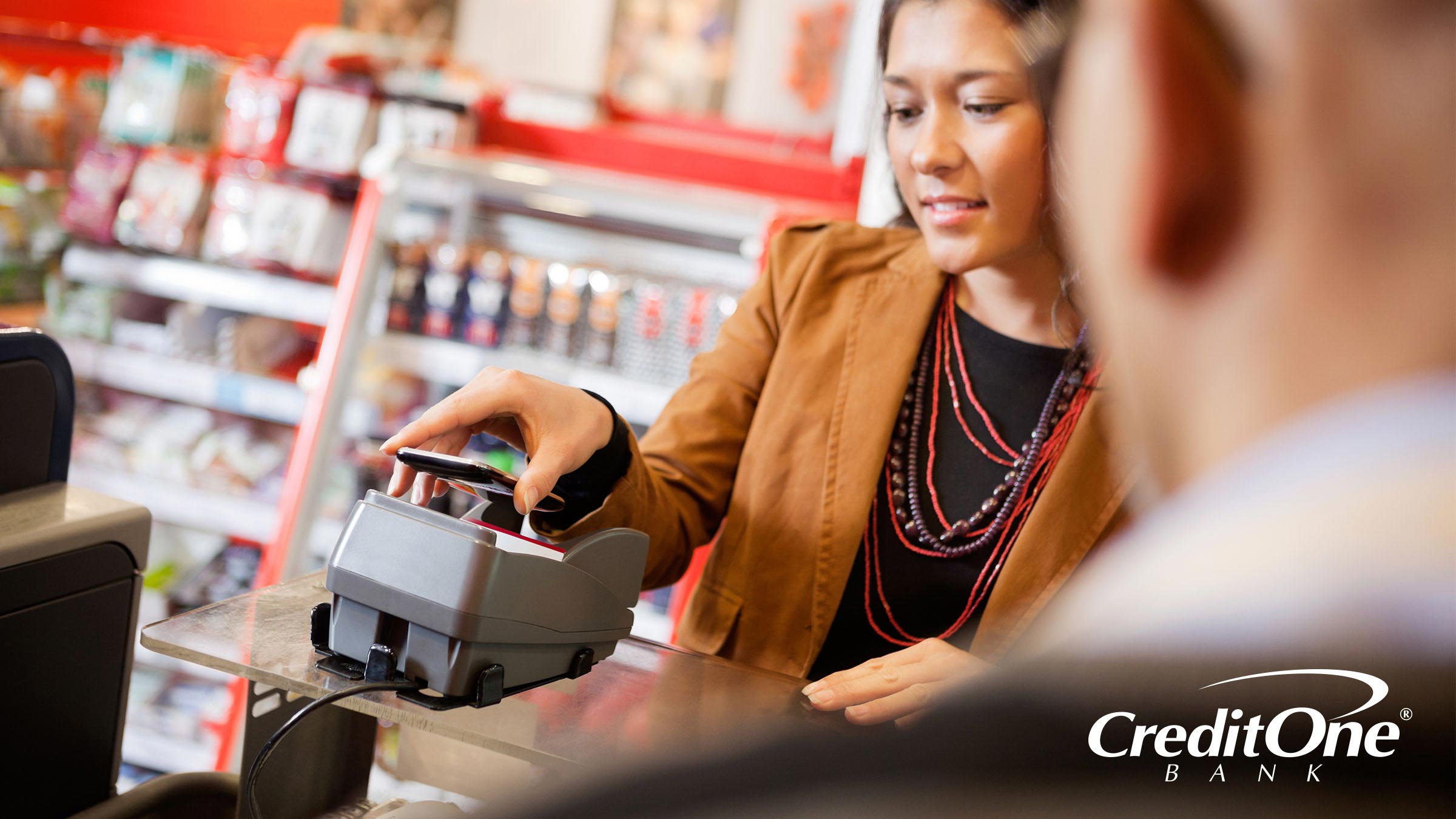
Once you add your credit or debit card to your digital wallet, you can use it at stores where you see the contactless symbol or logos for Apple Pay, Samsung Pay, or Google Pay. When it’s time to check out, you just hold your phone near the payment processor or tap it on the machine. Your payment goes through using card data that you’ve stored in your mobile wallet.
You can also use the digital wallet to pay for purchases online, wherever it says Apple Pay, Samsung Pay, or Google Pay are accepted.
Now, you may be thinking that those point-of-purchase logos should say “Wallet” instead of “Pay,” but Pay is still the name for the technology that takes the payment. Wallet is the app where you load the cards to later use through Pay.
When you’re using your mobile wallet at a physical checkout, it’s often called a contactless payment or Tap to Pay. The technology that makes this possible is usually near field communication (NFC), which is a short-range bidirectional type of radio frequency identification (RFID).
NFC technology allows the phone to transmit information to a compatible payment processor, just by touching or being in close vicinity. So almost any business that uses an NFC payment processor will accept Apple Pay, Samsung Pay, and Google Pay.
Now, all you have to do is get your credit card information into your digital wallet so you can take advantage.
There are lots of different digital wallets available, and many people use more than one.
The OS-based digital wallets on your phone are often pre-installed, making them the easiest digital wallets to start using.
If you use a peer-to-peer payment app like Venmo, PayPal, or Cash App, a digital wallet is part of the service. You can only use your stored cards when making purchases or sending money through that specific platform, but they still function like any other digital wallet.
In each of these apps, you just need to select the option to “add” or “link” a card and follow the prompts. Then you can use that card for any of your in-app payments or purchases, although credit card transactions may come with an additional fee over debit.
Cryptocurrency — like Bitcoin, Litecoin, and Ethereum — is stored in a digital wallet as well. Some of the other digital wallets mentioned here support certain types of crypto in addition to traditional means of payment. But if you want to keep, buy, sell, or trade a larger variety, you’re better off with a dedicated cryptocurrency wallet.
If you’re concerned about your financial information getting hacked or stolen, don’t worry. Digital wallets use up-to-date security features to keep you and your data safe. In fact, you may be better protected when using digital wallets for mobile payments than you are making traditional card-present transactions — at least if you’re swiping the card through the terminal instead of using an EMV chip.
Like the card chip, mobile payment apps use tokenization to encrypt and protect your card info during a transaction. That means a data thief has no way to read or steal your payment information. And you can protect the digital wallet apps themselves with a password, PIN, or biometrics, like a face or fingerprint scan.
Using your mobile digital wallet is pretty simple. And it’s faster than pulling out your credit card, let alone writing a check or exchanging cash.
All you do when you are ready to make a purchase is scan your phone at the checkout. This means you don’t have to carry your physical wallet at all. Not only is it a more convenient and streamlined process, but it also minimizes the chances that you’ll lose your credit cards.
Before you can use a credit card through Apple Pay, you need to add it to your Apple Wallet.
Before you can use a credit card through Samsung Pay, you need to add it to your Samsung Wallet.
Before you can use a credit card through Google Pay, you need to add it to your Google Wallet.
Google Pay can be used on more types of devices than the others. And if you’ve already set up Google Wallet on your computer or another device, your cards should automatically sync up when you download the app to your phone and log in.
Otherwise, follow these steps.
There used to be a Google Pay app that you could download from the Apple app store and use on your iPhone, but it was retired when Google Pay became integrated into Google Wallet. At the time of writing, the Google Wallet app is not available for iOS — but you can still use Google Pay through your iPhone’s web browser, and on most desktop platforms, including macOS.
Digital wallets aren’t just for making payments anymore. They can also store membership and loyalty cards, coupons, movie passes, concert and event tickets, metro transit passes, airline boarding passes, health passes, and state ID cards, like your driver’s license. They can even act as digital keys to compatible cars and house locks, or keep track of your passwords. And more features are being added all the time.
Digital wallets are convenient and safe. They can help you check out at many brick-and-mortar stores with a simple tap of your phone on the payment processor. They can also be used for online purchases, instantly retrieving your stored credit card info without having to manually type anything in.
If your phone is lost or stolen, your mobile wallet is still secure through two-factor authentication, security codes, and biometrics. As an extra layer of protection, digital wallets let you lock or erase your data remotely.
It’s easy to add your Credit One Bank credit card to your favorite digital wallet, making your shopping experiences faster and simpler. Just follow the steps to scan or input your credit card data once, and you’ll be up and running with plastic-free payments in no time.

About the author:
Heather ValeHeather is an accomplished writer and editor in the financial and business industries, with expertise in credit building, investments, cryptocurrency, entrepreneurship, and thought leadership. She loves investigating and pulling apart complicated topics to make them simple, engaging, and easy to understand. But she also enjoys writing about the personal side of life, including self-help, creativity, relationships, families, and pets. She approaches everything from a yin-yang perspective, so her passion for wordplay and metaphors is always balanced with an intense focus on accuracy. Heather has a BFA in Visual Arts from York University, and has worked as a journalist in all media: TV, radio, print, and online.
This material is for informational purposes only and is not intended to replace the advice of a qualified tax advisor, attorney or financial advisor. Readers should consult with their own tax advisor, attorney or financial advisor with regard to their personal situations.
![Financial Mobile App Advantages [Infographic]](/content/dam/cob-corp-acquisition/images/articles/2021/03/104429 COC_11_408711_FinancialMobileApp.jpg?imwidth=360)